Set up your clinic and personal profile
Keep practice contact and location details accurate.
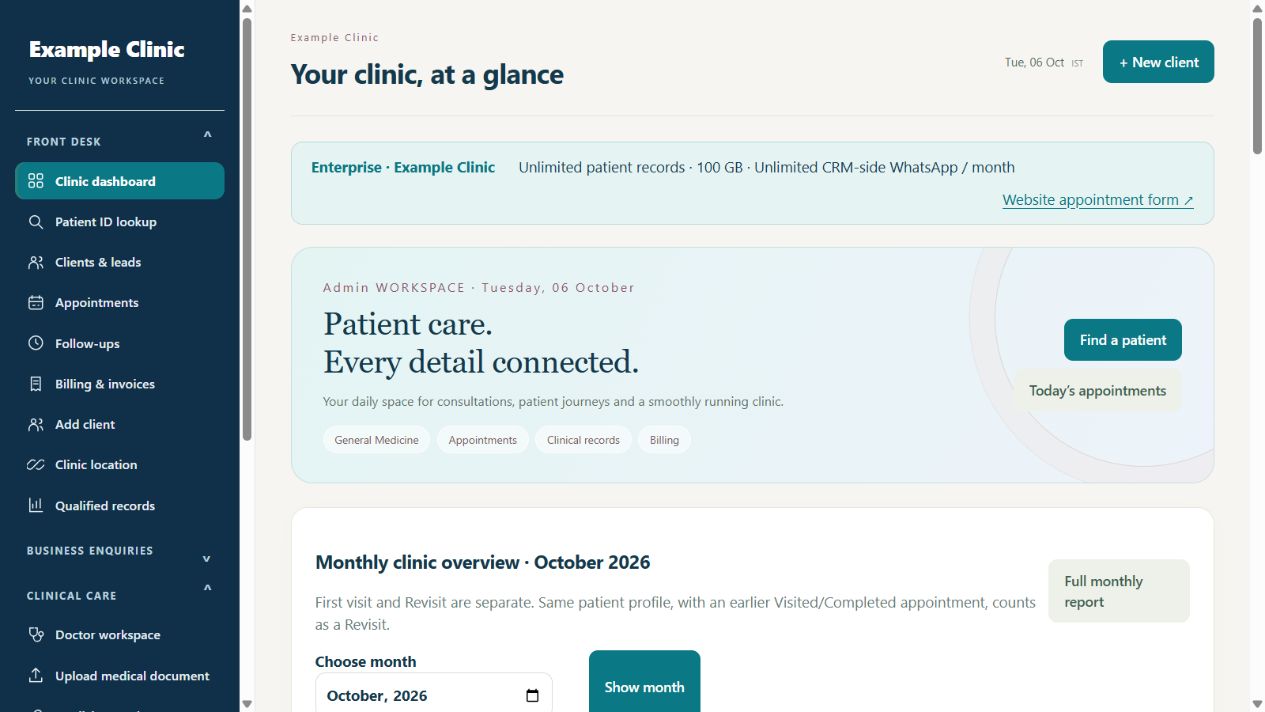
Step by step
- Sign in as the clinic admin and open Clinic & my profile.
- Review the clinic name, organization, phone, contact email and specialty.
- Check each available location address and contact details; correct mistakes and save.
- Review your personal profile separately from the practice details.
- Open the relevant invoice or letterhead settings to check the details used on printed documents.
Keep in mind
Your AlphaRapid billing profile and clinic profile serve different purposes. Location access and editable fields depend on your role and plan.
Related guides
Clinic & team
Add doctors and receptionists
Give every team member their own clinic access.
Read guide →Clinic & teamManage locations and branch access
Assign staff only to the locations they need.
Read guide →Billing & reportsCreate a patient invoice and record payment
Clinic invoices are different from software subscription invoices.
Read guide →Still need help?
Send your clinic code and the exact issue. Keep passwords and patient information private.
Request setup help · Free All guides