Meta integrations: choose the right setup
WhatsApp messaging and Facebook conversion reporting are separate connections.
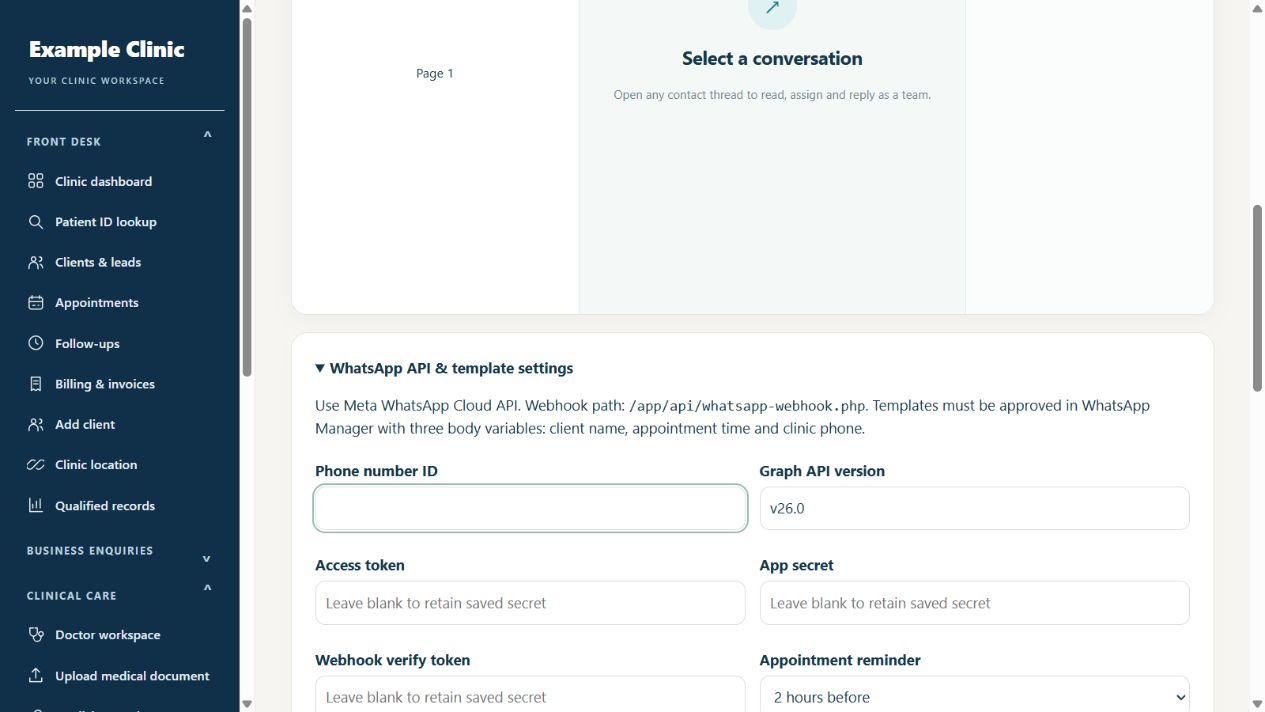
Step by step
- For appointment messages and a WhatsApp inbox, read the WhatsApp Cloud API guide below.
- For independent non-health business confirmations, read the Meta conversions guide. This is not a patient-tracking feature.
- Ask your clinic administrator to check the plan and availability before connecting a provider account.
- Follow the official provider links and verify delivery with a controlled test before relying on an integration.
Keep in mind
Website advertising tags belong to the AlphaRapid platform and are separate from a clinic messaging connection. Never paste a WhatsApp token into a dataset-token field.
Official provider references
Related guides
Messaging & integrations
Meta WhatsApp Cloud API: fields and setup
Find the CRM settings, identify the credentials and understand the webhook prerequisite.
Read guide →Messaging & integrationsMeta setup and clinic conversion reports
Configure eligible marketing integrations and measure enquiry-to-visit results inside your clinic.
Read guide →Messaging & integrationsSet up email and other integrations
Connect only the services your plan and clinic require.
Read guide →Still need help?
Send your clinic code and the exact issue. Keep passwords and patient information private.
Request setup help · Free All guides