Start here: your first day with Rapivexa
A practical checklist from purchase to your first patient.
Step by step
- Create or sign in to your AlphaRapid account at /login. This account manages purchases and subscription invoices.
- Choose a plan and currency on Pricing. Complete the clinic details during checkout and finish payment.
- After payment is verified, open My orders or My CRMs in your client area. Find your CRM link and generated clinic username; use Show password to view your clinic password privately.
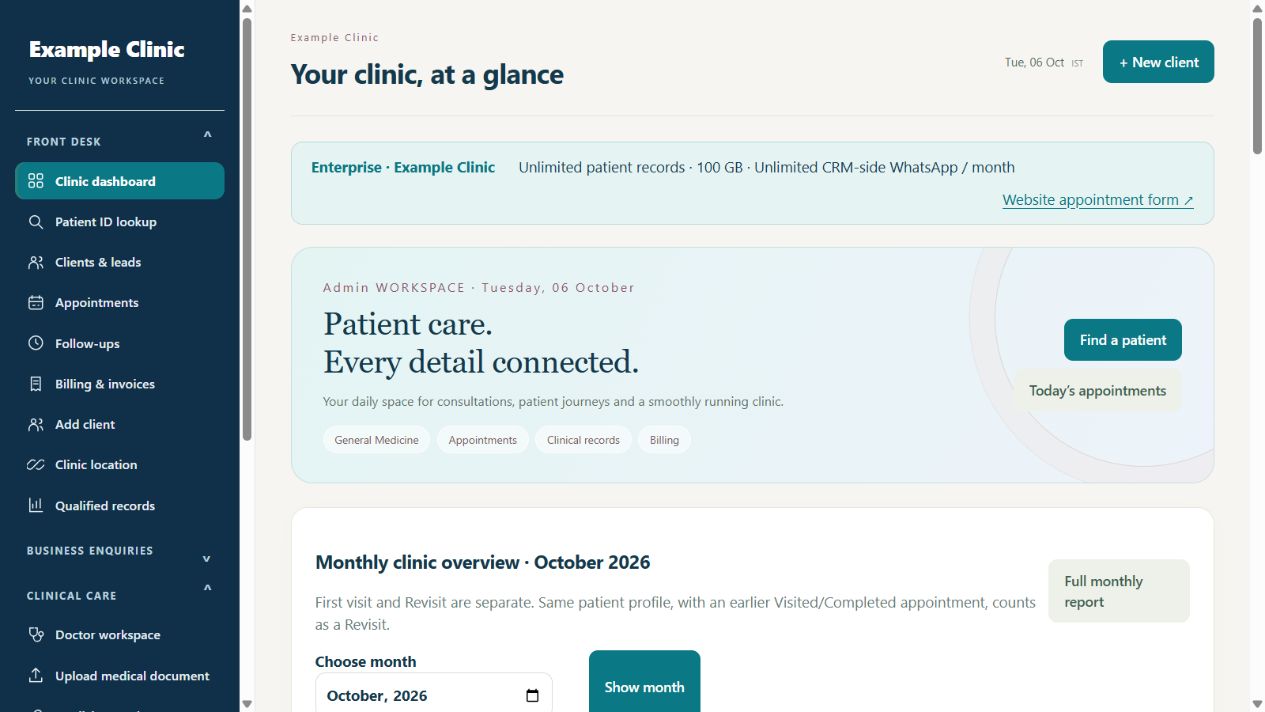
- Open that CRM link, sign in, review Clinic & my profile, then set up Team profiles.
- Check the clinic address and invoice settings before adding your first patient and appointment.
Keep in mind
AlphaRapid client-area login and Rapivexa clinic login are separate. Never use demonstration credentials for your purchased clinic.
Related guides
Getting started
Client area or clinic CRM: which login should I use?
Understand the two accounts and avoid signing in on the wrong page.
Read guide →Plans & paymentsPurchase a CRM and activate your clinic
What happens before and after payment verification.
Read guide →Patients & careAdd your first patient or enquiry
Create one clear record before starting the patient journey.
Read guide →Still need help?
Send your clinic code and the exact issue. Keep passwords and patient information private.
Request setup help · Free All guides